Stream Alerts
Post automatic notifications in Discord when a creator goes live or an RSS feed updates.
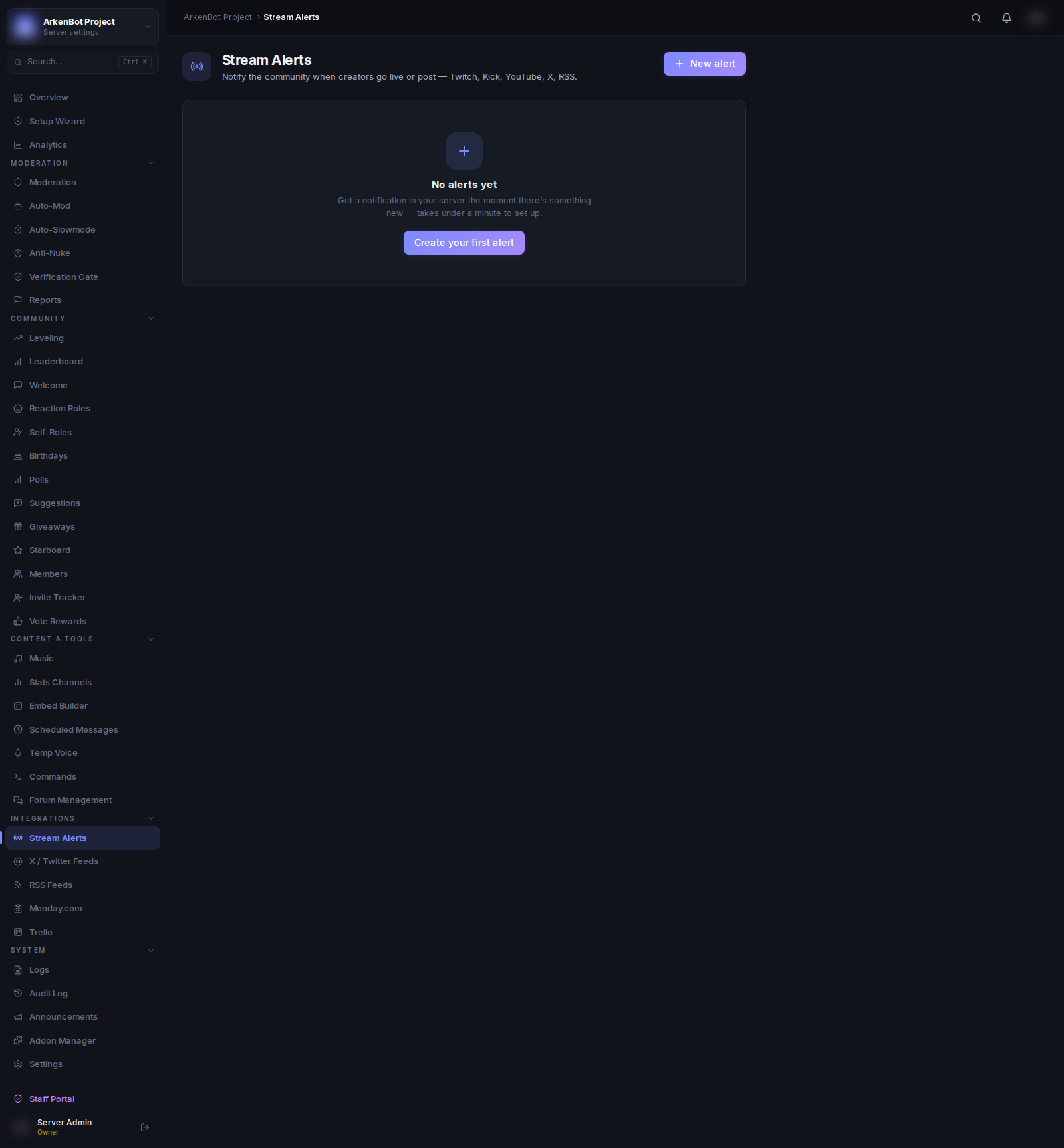
Setup
Go to Stream Alerts in the sidebar.
Supported Platforms
| Platform | What Triggers an Alert |
|---|---|
| Twitch | Stream goes live |
| Kick | Stream goes live |
| YouTube | Live stream starts |
| RSS / Podcast | New item in a feed |
Note: Twitch requires API credentials configured on the server, and YouTube requires a YouTube Data API key. Kick and RSS work without any credentials. Contact your bot administrator if alerts are not firing.
Creating an Alert
- Click Add Alert
- Select the Platform
- Enter the channel username or feed URL (the label updates based on platform)
- Select the Discord Channel to post alerts in
- Optionally enter a Custom Message
- Click Create Alert
Custom Messages
Each platform supports template variables in the custom message field:
| Platform | Available Variables |
|---|---|
| Twitch | {streamer}, {title}, {url}, {game} |
| Kick | {streamer}, {title}, {url} |
| YouTube | {streamer}, {title}, {url} — {game} is not supported |
| RSS / Podcast | {streamer}, {title}, {url} |
Example:
@everyone {streamer} is live playing {game}! 🎮 {url}
Managing Alerts
- Enable/Disable — Toggle the switch in the Enabled column to pause an alert without deleting it
- Edit — Click Edit to update the username or custom message
- Delete — Click the trash icon to permanently remove the alert
Username / URL Format
| Platform | What to Enter |
|---|---|
| Twitch | Channel username (e.g. shroud) |
| Kick | Channel username (e.g. shroud) |
| YouTube | Handle or channel URL (e.g. @mkbhd or https://youtube.com/@mkbhd) |
| RSS / Podcast | Full feed URL (e.g. https://example.com/feed.xml) |