Moderation Setup
ArkenBot's moderation system tracks every action as a numbered case, giving you a full audit trail for every member.
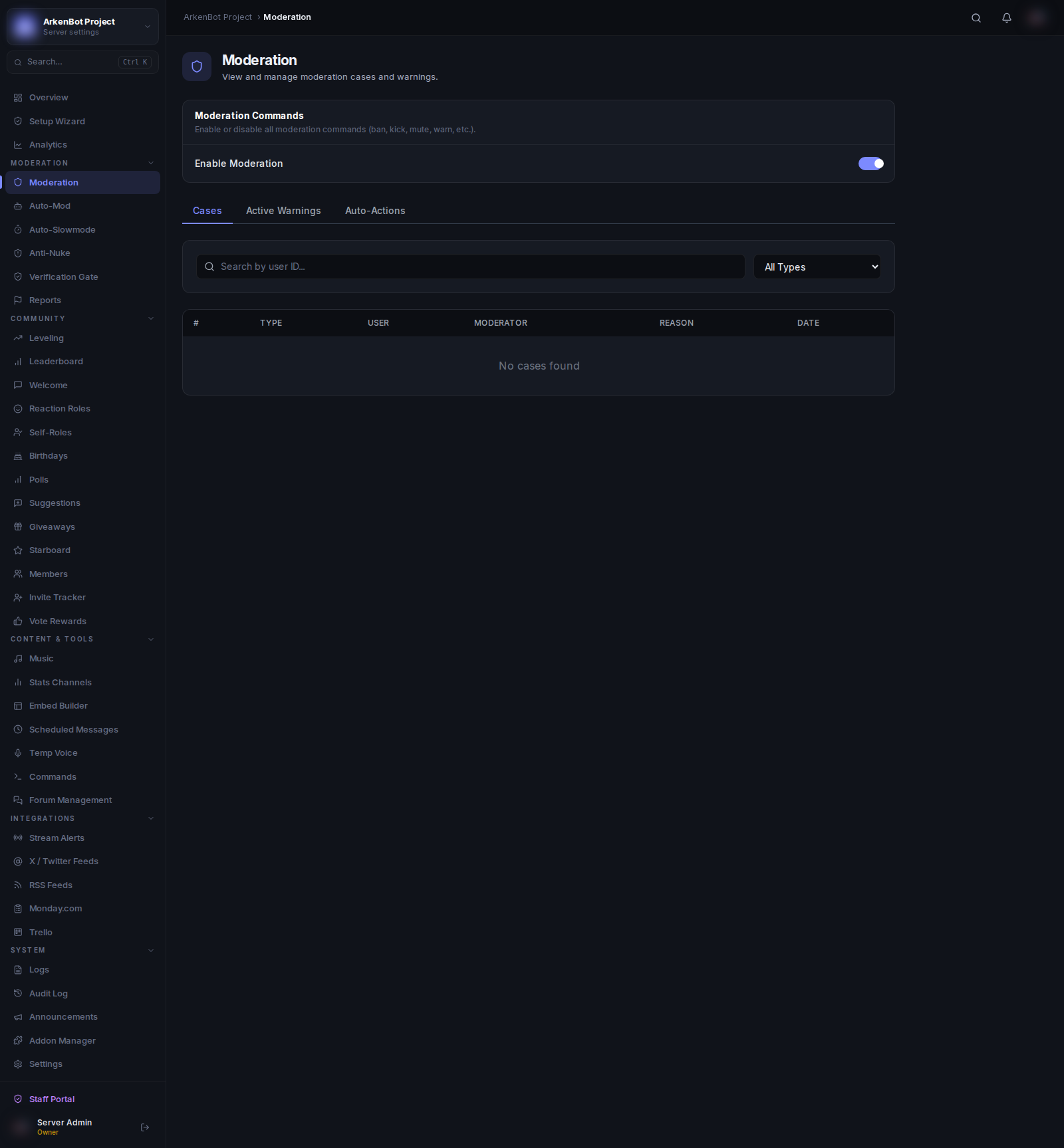
Enabling Moderation
- Go to Settings
- Toggle Moderation on
Configuring Log Channels
Go to Logs and set:
- Mod Log Channel — Where ban/kick/warn/mute embeds are posted
- Log Channel — Where message edits, deletes, and member events are posted
How Cases Work
Every moderation action creates a case with:
- A sequential case number (per guild)
- The action type (ban, kick, mute, warn, unban, etc.)
- The target user
- The moderator who performed the action
- A reason (required for warns, optional for others)
- A timestamp
Look up any case with /case <number>.
Moderation Commands
See the full Moderation Commands reference.
Temporary Bans
The /ban command supports an optional duration parameter (e.g. 1d, 12h, 30m). Temporary bans are automatically lifted when they expire — no manual action needed.
DMs on Action
When you ban, kick, mute, or warn a member, the bot sends them a DM explaining what happened and the reason (if provided). The DM is sent before the action so the user receives it even if banned.
Auto-Mod Integration
The Auto-Mod system creates moderation cases automatically for automated actions, keeping everything in one unified case history.
Warning Escalation (Auto-Actions)
Automatically escalate punishments as warnings accumulate. Go to Moderation → Auto-Actions tab.
Adding a Rule
| Field | Description |
|---|---|
| Warning count | The total warning count that triggers this rule |
| Action | Mute (requires a mute role configured), Timeout (Discord native), Kick, or Ban |
| Duration | For Timeout: how long (e.g. 1h, 30m). Not used for kick/ban. |
You can add multiple rules. Example setup:
- 3 warnings → Timeout 1 hour
- 5 warnings → Timeout 24 hours
- 7 warnings → Ban
When a /warn brings a member to a matching threshold, the action is applied automatically and noted in the case reason.
Audit Log Filtering
The Logs dashboard page supports filtering:
- User ID — Filter to show only actions involving a specific user (enter their Discord ID)
- Date From / Date To — Show only actions within a date range
Click Clear to reset all filters.