Auto-Slowmode
Automatically apply Discord's slowmode to a channel when it becomes too active, then remove it once traffic calms down.
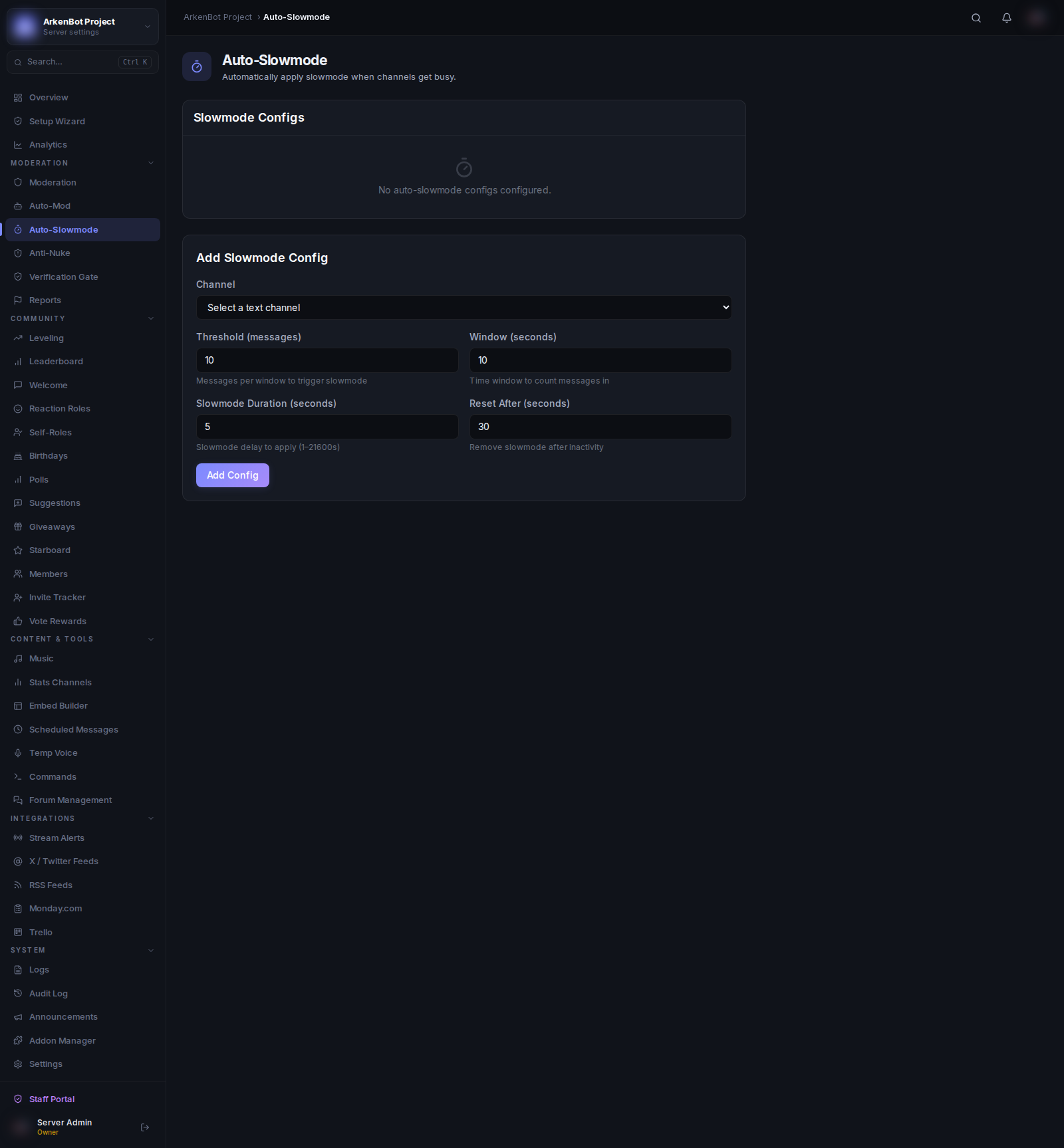
Setup
Go to Auto-Slowmode in the sidebar.
How It Works
Each channel you configure gets its own threshold. When the message rate in that channel exceeds the threshold within the time window, the bot applies slowmode. Once the channel is quiet for the reset period, slowmode is automatically lifted.
Configuration
Click Add Config and fill in the form:
| Setting | Description | Default |
|---|---|---|
| Channel | The text channel to watch | — |
| Threshold (messages) | Number of messages within the window to trigger slowmode | 10 |
| Window (seconds) | Time window to count messages in | 10s |
| Slowmode Duration (seconds) | Slowmode delay to apply to the channel (1–21600s) | 5s |
| Reset After (seconds) | How long the channel must be quiet before slowmode is removed | 30s |
Managing Configs
- Enable/Disable — Toggle a config without deleting it. Useful for temporarily disabling auto-slowmode during events.
- Delete — Click the trash icon to remove the config permanently.
Example
With the defaults (threshold 10, window 10s, slowmode 5s, reset after 30s):
- If 10+ messages are sent within 10 seconds, a 5-second slowmode is applied
- After 30 seconds of low activity, slowmode is removed automatically
Notes
- Each channel can only have one config. To change settings, delete the existing config and create a new one.
- The bot requires Manage Channels permission to modify slowmode.
- Slowmode values of 0 remove slowmode; the maximum is 21600 seconds (6 hours).