Auto-Responses
Automatically reply to messages that match a regular expression pattern. Unlike custom commands (which require a prefix like !), auto-responses fire on any message content — no prefix needed.
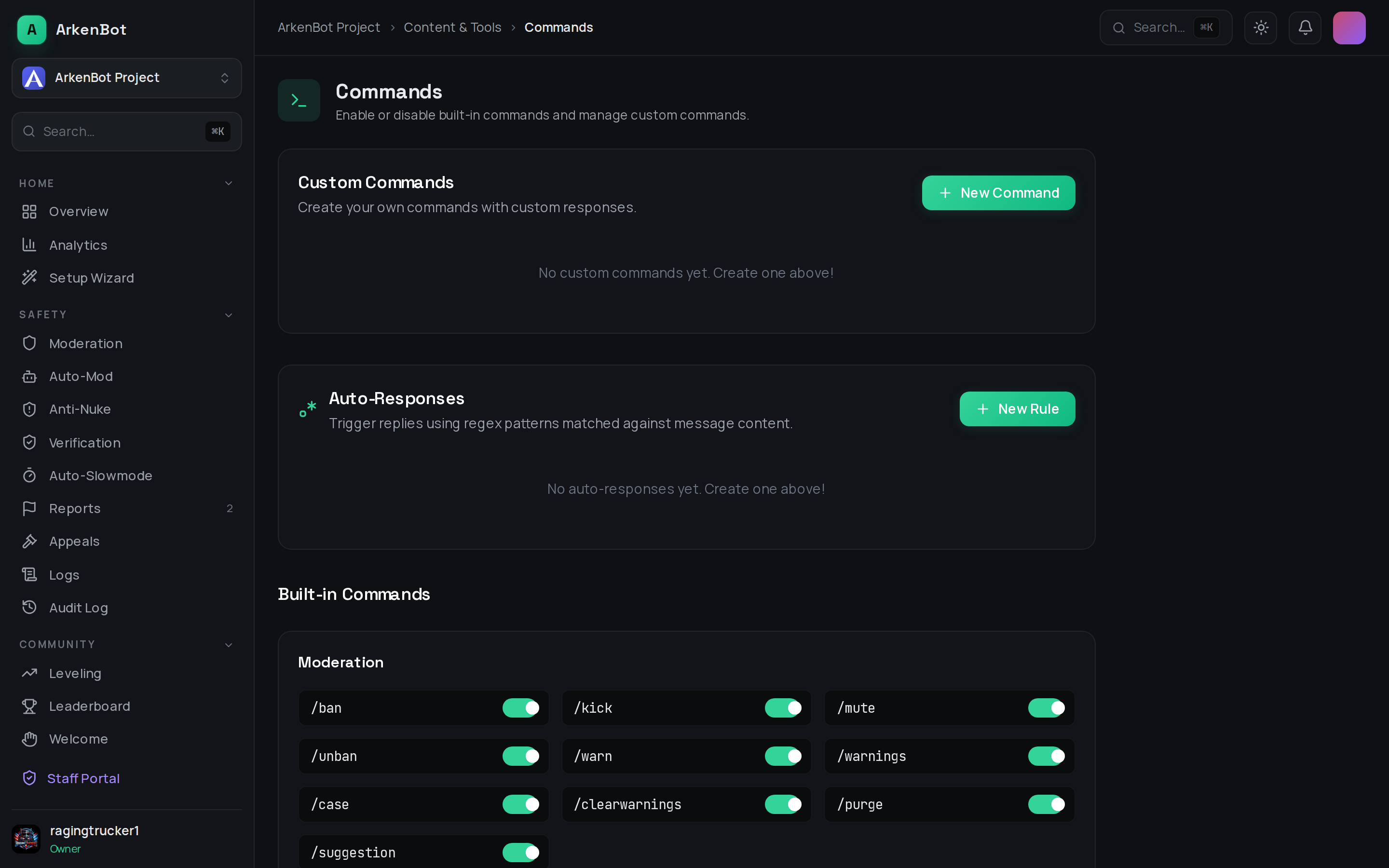
Auto-responses are managed from Commands in the dashboard sidebar, in the Auto-Responses section directly below Custom Commands.
How It Works
Every non-bot message is tested against your enabled auto-response rules in order. When a message matches the first rule, the bot sends the configured response and stops — only one response fires per message. The triggering message is optionally deleted.
Pattern matching is case-insensitive by default (i flag).
Creating an Auto-Response
Via Dashboard
- Go to Commands in the sidebar
- Scroll to the Auto-Responses card
- Click New Rule
- Fill in the pattern and response, then click Create Rule
Via Slash Command
/autoresponse add pattern:<regex> response:<text> [flags:<i>] [embed:<true|false>] [delete_message:<true|false>]
Fields
| Field | Required | Description |
|---|---|---|
| Pattern | Yes | A regex pattern matched against the full message content. No delimiters — just the pattern itself. |
| Flags | No | Regex flags (default: i). Use gi for global+case-insensitive. |
| Response | Yes | The text the bot replies with when the pattern matches. |
| Send as Embed | No | Wrap the response in a Discord embed. |
| Embed Color | No | Hex color for the embed accent bar (only shown when embed is on). |
| Delete Triggering Message | No | Remove the member's message before replying. |
Pattern Examples
| Goal | Pattern |
|---|---|
| Match the word "hello" anywhere | hello |
| Match "hello" as a whole word only | \bhello\b |
| Match any Discord invite link | discord\.gg\/\w+ |
| Match when someone mentions "rules" or "rule" | rules? |
| Match a greeting phrase case-insensitively (default) | good morning |
| Match a number between 1 and 999 | \b[1-9]\d{0,2}\b |
Tip: Test your patterns on regex101.com before saving them.
Managing Rules
From the dashboard Auto-Responses table you can:
- Enable / Disable a rule with the toggle — disabled rules are skipped entirely
- Delete a rule permanently with the trash icon
- See the uses counter to track how often a rule fires
Via slash commands:
/autoresponse list               — show all rules with their IDs
/autoresponse toggle id:<id> enabled:<true|false>
/autoresponse remove id:<id>
Notes
- Only the first matching rule fires per message — order rules from most specific to least specific
- Invalid regex patterns are rejected at creation time — the bot validates them before saving
- Auto-responses respect the ignoreBots flag (bot messages never trigger rules)
- Changes take effect within ~2 minutes as the pattern cache refreshes automatically