Polls
ArkenBot lets members and staff create polls directly in Discord. The dashboard gives moderators a central place to view, close, and delete polls across the server.
Creating a Poll
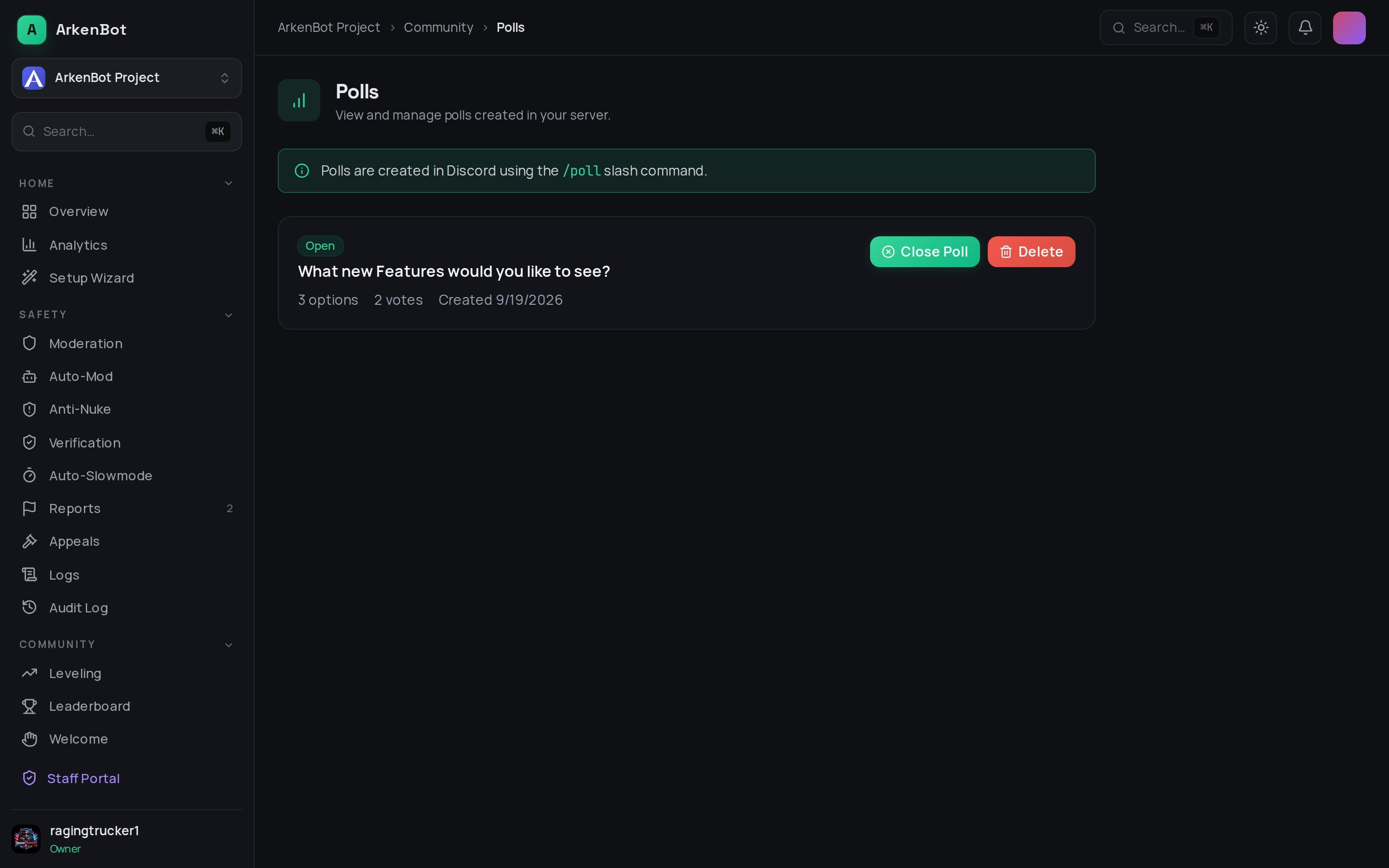
Polls are created in Discord using the /poll slash command — not from the dashboard.
/poll question:<your question> option1:<first> option2:<second> [option3:...] [option4:...]
Members click buttons in Discord to vote. Each member can vote once per poll.
Dashboard (Managing Polls)
Go to Dashboard → Polls to see all polls in your server.
Each poll card shows:
- The question
- Status (Open / Closed)
- Number of options and total votes
- Date created
Closing a Poll
Click Close Poll to stop accepting new votes. Closed polls remain visible in Discord but buttons are disabled.
Deleting a Poll
Click Delete to permanently remove the poll record. The original Discord message is not deleted — only the vote data is removed.
Tips
- Use polls for community decisions, event planning, game nights, or feedback collection
- Closed polls are still visible on the dashboard under the reviewed list for reference