Counting
A community game where members count together in sequence. One wrong number resets the count.
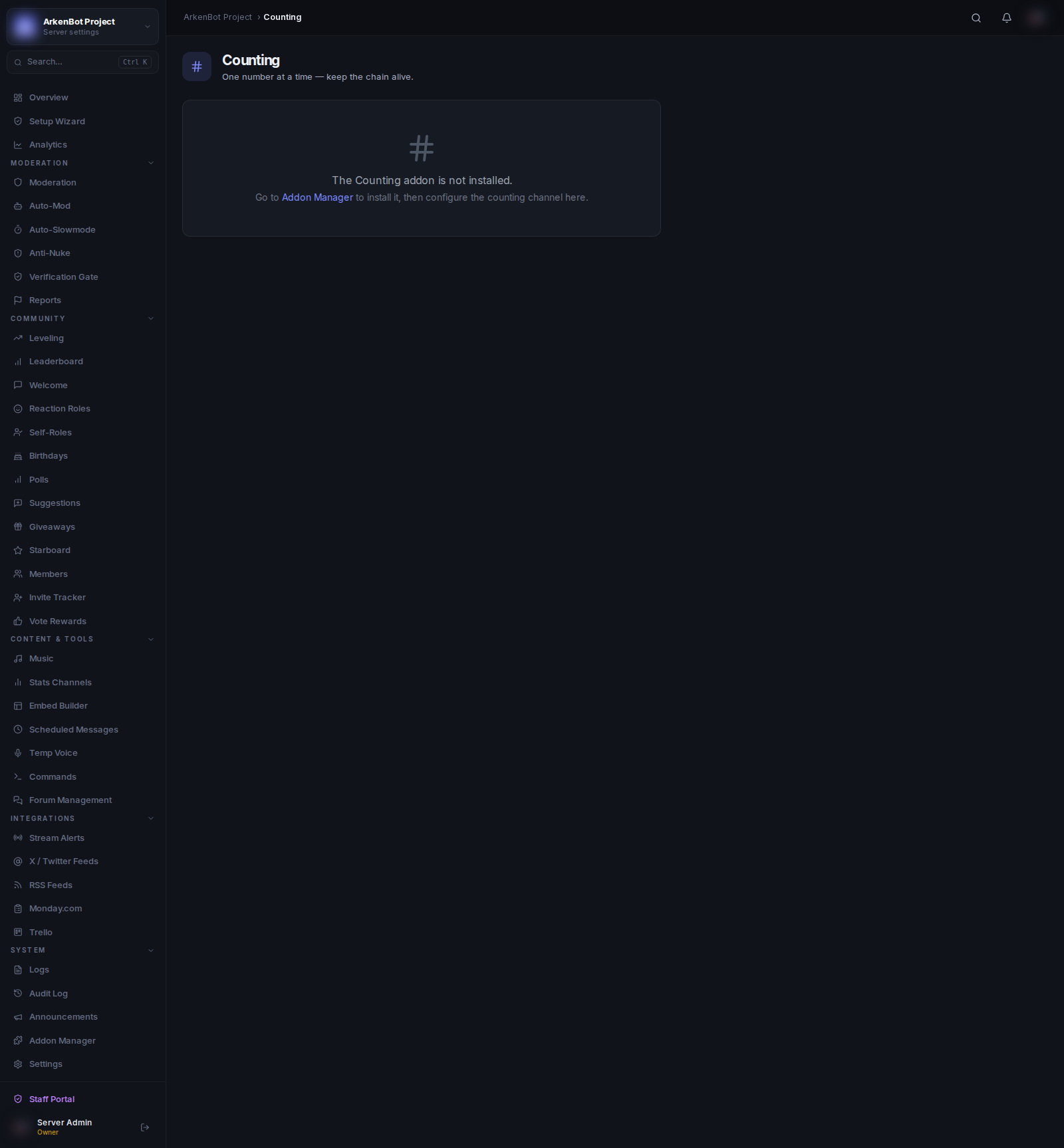
Requirements
The Counting feature is part of the Counting Addon. Install it first via Addon Manager, then configure it here.
Configuration
Counting settings are managed through the Addon Manager when you install or configure the addon:
| Setting | Description |
|---|---|
| Counting Channel | The channel where members send numbers |
| Allow Same User Twice | Whether the same person can count two numbers in a row |
| Reset Count on Fail | Whether a wrong number resets the count to 0 |
Dashboard
The Counting page shows live stats:
| Stat | Description |
|---|---|
| Current Count | The number the server has reached |
| Best Count | The highest count ever achieved |
Resetting the Count
Click Reset Count to 0 on the dashboard to restart the game. This is useful after a failed count if the server wants a fresh start or if Reset on Fail is disabled.
How It Works
- Members send numbers in the counting channel
- The next number must be exactly 1 more than the previous
- If a member sends the wrong number (or anything else), the bot reacts with ❌ and resets the count (if configured)
- The bot reacts with ✅ on correct counts
- If Allow Same User Twice is off, the same member cannot count two numbers in a row