RSS Feeds
ArkenBot can monitor any RSS or podcast feed and post a Discord notification whenever a new item is published. No API key required. The bot checks every 5 minutes.
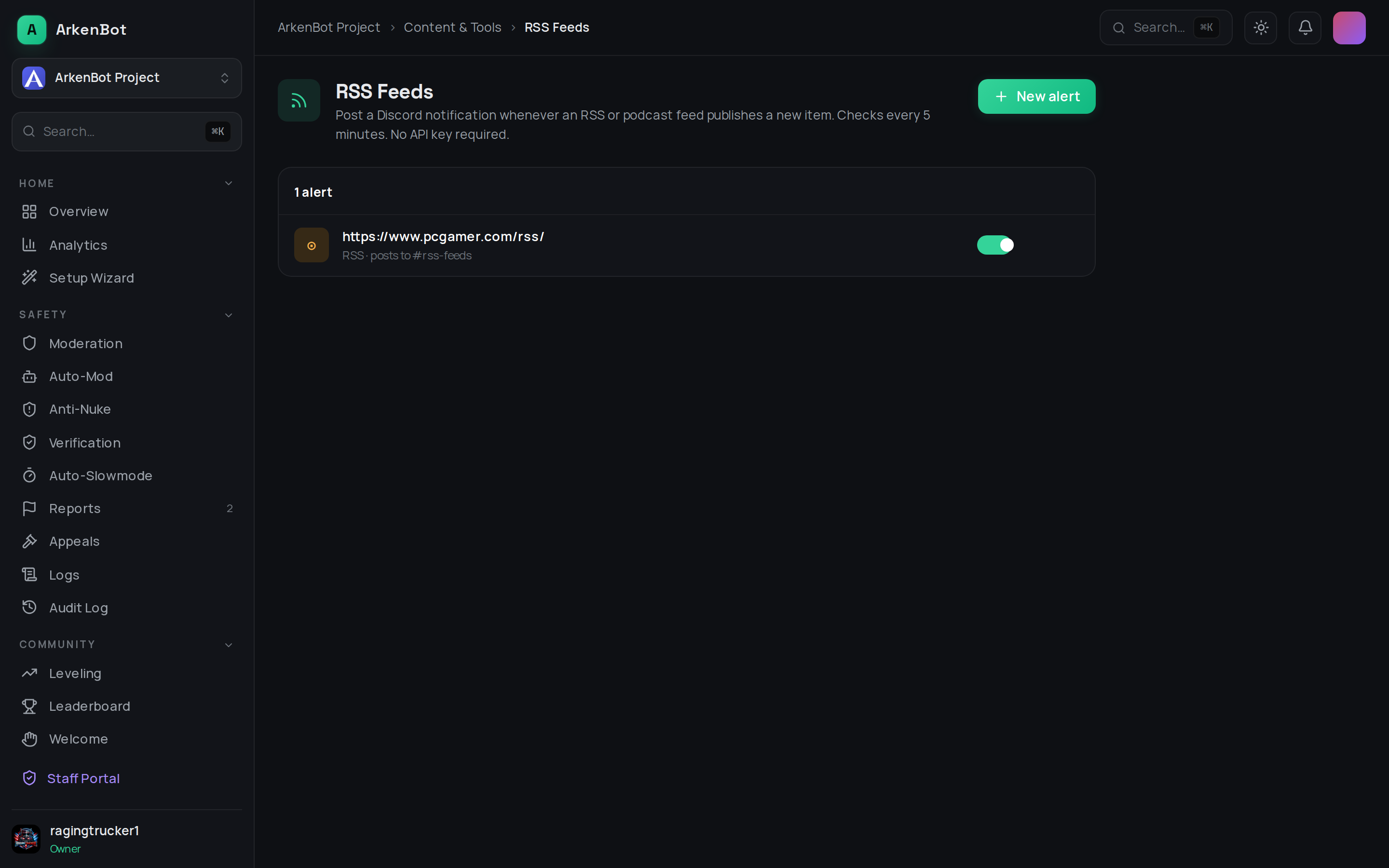
Setup
- Go to Dashboard → RSS Feeds
- Click Add Alert
- Paste the full feed URL (e.g.
https://example.com/feed.xml) - Select the Discord channel to post in
- Customize the message template using the available variables
- Click Save
Message Variables
| Variable | Replaced with |
|---|---|
{streamer} | Feed title (name of the site or show) |
{title} | Item or episode title |
{url} | Link to the item or episode |
Example template:
New post from {streamer}: **{title}** — {url}
Managing Feeds
All configured feeds are listed on the page. Click the trash icon to remove a feed.
Tips
- Works with any standard RSS 2.0 or Atom feed — blogs, YouTube channels (via RSS), podcasts, news sites, GitHub releases, and more
- Most platforms expose RSS feeds even if they don't advertise them. Search
site:example.com feed.xmlorsite:example.com rssto find them - YouTube channel RSS URLs follow the format:
https://www.youtube.com/feeds/videos.xml?channel_id=CHANNEL_ID