Quick Start
Get ArkenBot fully set up in your server in under 5 minutes.
Step 1 — Invite the Bot
Invite ArkenBot to your server using the invite link and grant the requested permissions. The bot requires:
- Manage Roles — for auto-role, level roles, and mute role
- Manage Messages — for auto-mod and purge
- Kick/Ban Members — for moderation commands
- Moderate Members — for timeout/mute
- View Audit Log — for accurate logging
- Send Messages / Embed Links — for all bot responses
- Connect / Speak — for music playback
- Read Message History — for starboard and purge
Place the ArkenBot role above any roles you want it to manage, otherwise role assignment will fail silently.
Step 2 — Open the Dashboard
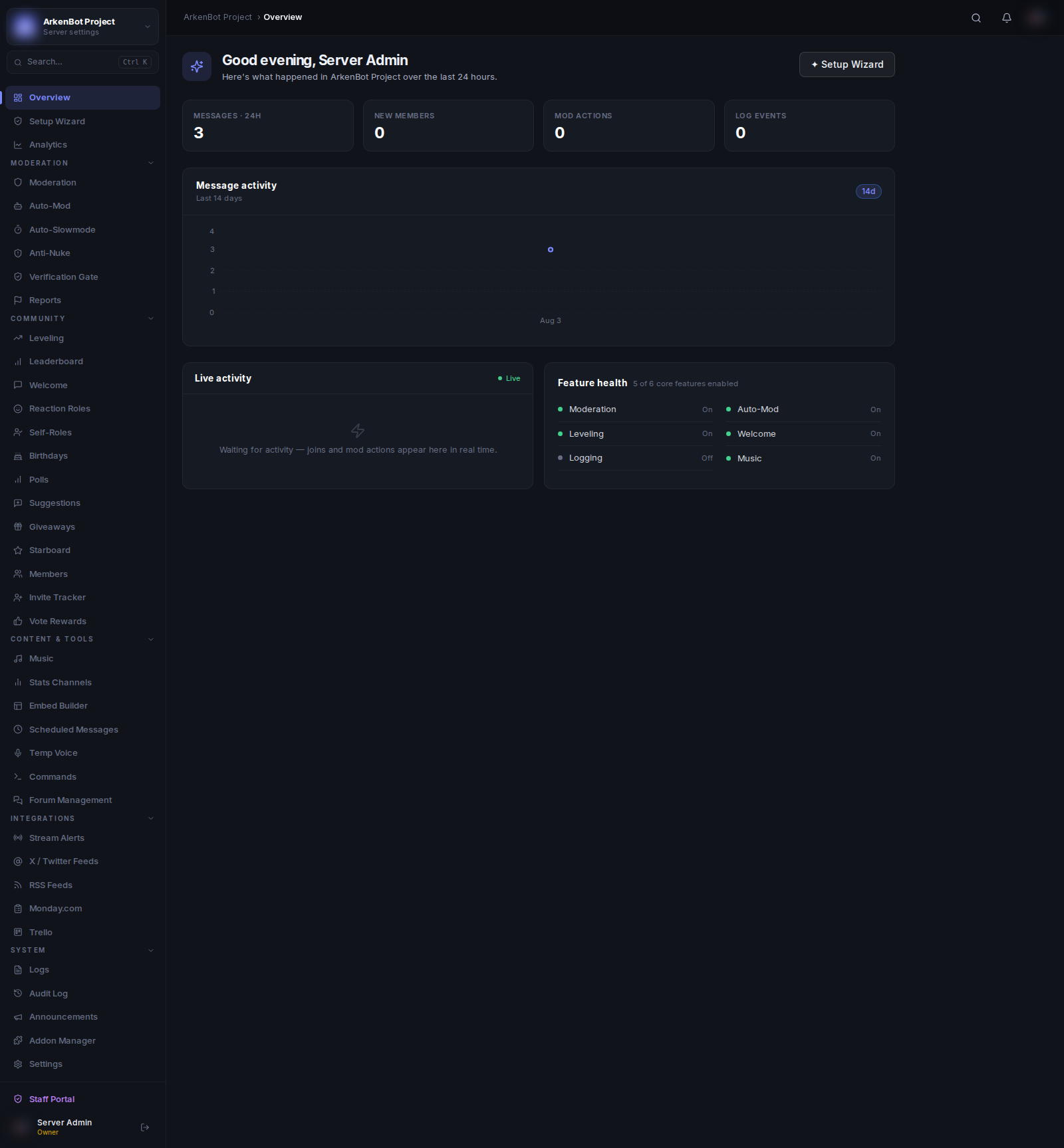
Navigate to the dashboard and log in with your Discord account. Select your server from the All Servers list.
Step 3 — General Settings
Go to Settings in the sidebar and configure the basics:
- Bot Nickname — Optionally rename the bot for your server
- Auto-Role — A role automatically given to new members
- Mute Role — Legacy role for manual muting (prefer Discord timeout)
- Embed Accent Colors — Customize the sidebar color on every type of embed
Step 4 — Enable Core Features
Still in Settings, toggle on the features you want to use:
Moderation— enables case tracking and mod commandsLeveling— enables XP gain and rank cardsLogging— enables audit logMusic— enables music playback
Each feature has its own dedicated settings page in the sidebar once enabled.
Step 5 — Configure Logging
Go to Logs and select:
- Log Channel — General events (joins, leaves, message edits/deletes)
- Mod Log Channel — Moderation actions (bans, kicks, warns)
Step 6 — Set Up Welcome Messages
Go to Welcome and:
- Enable Welcome Messages
- Select a Welcome Channel
- Customize your welcome message (use
{user},{server},{memberCount})
Step 7 — Configure Moderation
Go to Moderation and review your settings. Then go to Auto-Mod to set up automated enforcement.
You're Ready!
Your bot is now configured for the basics. Explore the sidebar for more features:
- Leveling — Set XP rates and level roles
- Reaction Roles — Self-service role menus
- Starboard — Highlight the best messages
- Stream Alerts — Get notified when streamers go live
- Addons — Install extra features like the Ticket System