Ban & Mute Appeals
Let members who were banned or muted appeal the action — right from their DMs, with staff approving or denying in a review channel.
Setup
In Server Settings on the dashboard, enable Appeals and pick an Appeal review channel where appeals are posted for staff.
| Setting | Description |
|---|---|
| Enable appeals | Turn the appeal flow on |
| Appeal review channel | Where appeals are posted for staff to approve or deny |
How It Works
- When a member is banned or muted, ArkenBot DMs them with an Appeal button (shown in their own language)
- Clicking it opens a short form asking why the action should be reversed
- The appeal is posted to your review channel with Approve / Deny buttons
- Approve automatically unbans the user (or lifts the timeout) and DMs them the outcome; Deny records the decision and DMs them
- Each member can have one pending appeal per server at a time
Because the appeal button lives in a DM, it works even after a ban when the user is no longer in the server. ArkenBot needs Ban Members / Moderate Members to reverse the action on approval.
Where the appeal button appears
The Appeal button is attached to the DM ArkenBot sends when a member is:
- Banned or muted with
/ban,/mute, or the 🔨 Ban / ⏱ Timeout right-click menu - Banned by the account-age / alt-protection gate
For bans, the DM is sent before the ban so it can be delivered, and it's even attempted for ban-by-ID (it reaches the user if they share another server with the bot).
If the user's DMs are closed
Members who can't receive DMs (or who dismissed the button) can still appeal from the web: send them to /appeal on your ArkenBot site. They log in with Discord, see every server where they're currently banned or muted (that has appeals enabled), and submit an appeal there. It lands in the same review channel with the same Approve / Deny buttons.
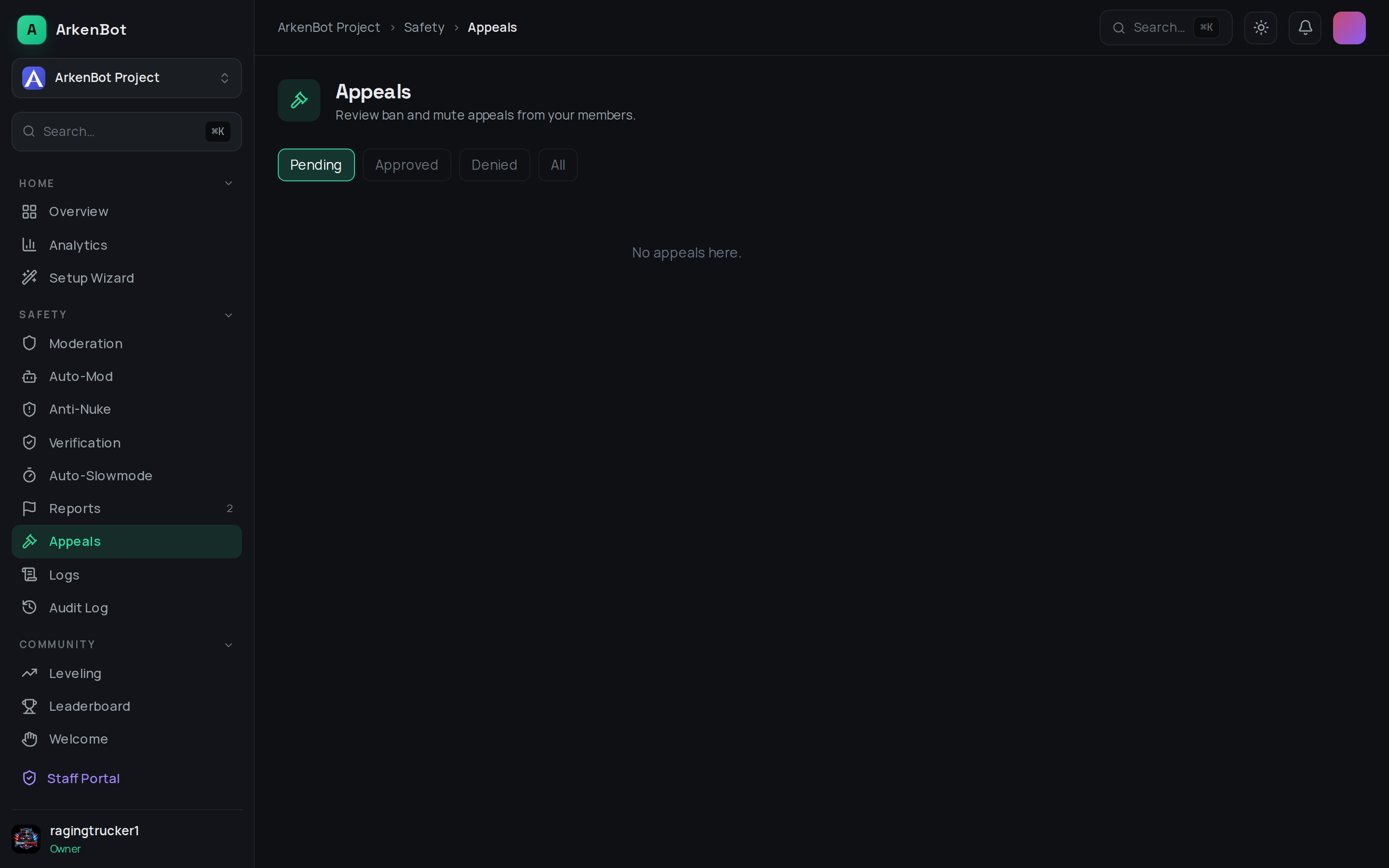
Staff can also review and decide appeals from the dashboard's Appeals page — approvals and denials there stay in sync with the Discord buttons.