Leaderboard
The server's member XP rankings, viewable right in the dashboard.
What it shows
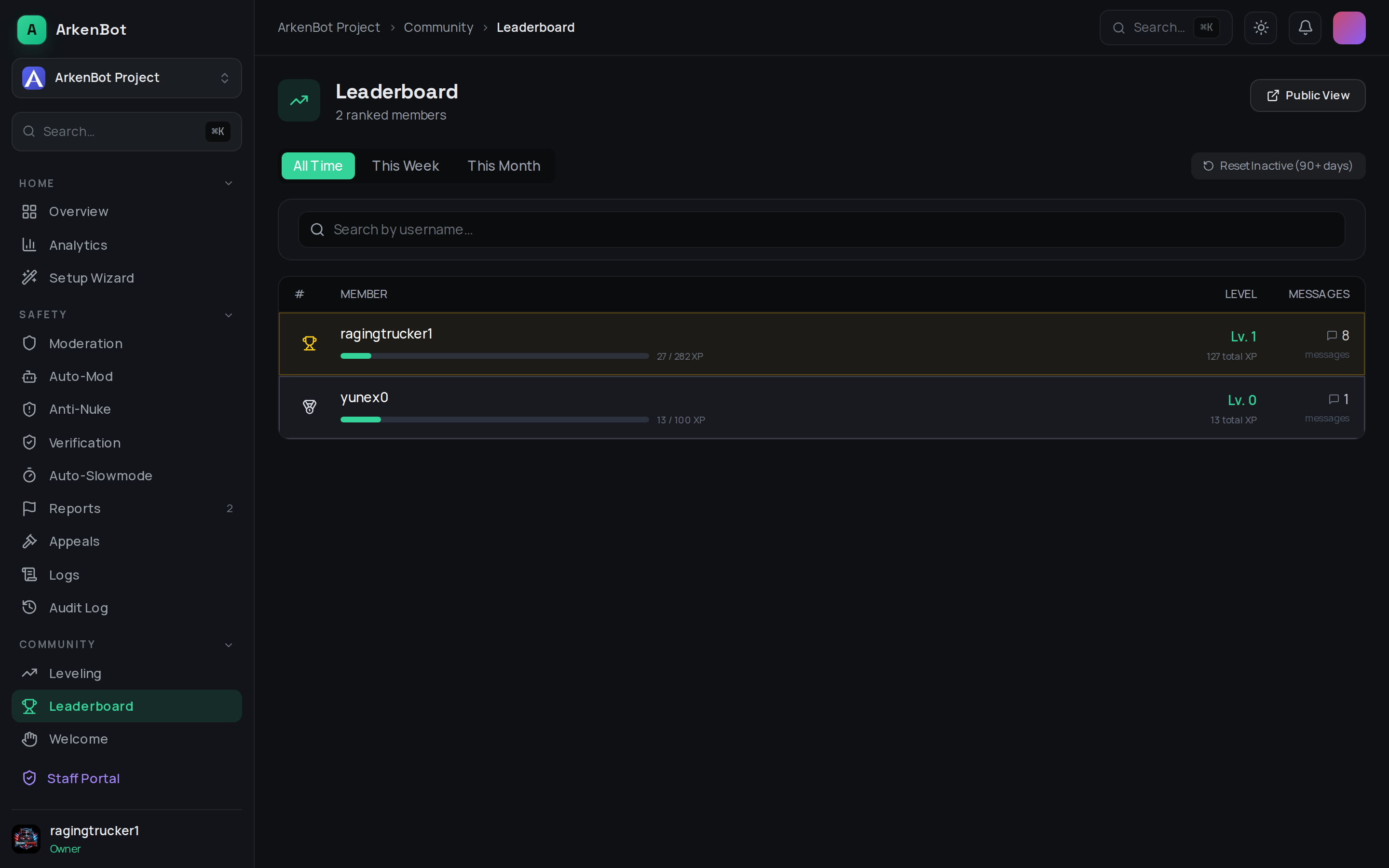
Open Leaderboard in the dashboard sidebar to see members ranked by XP:
| Column | Description |
|---|---|
| Member | The member's name and avatar |
| Level | Their current level |
| Messages | Messages counted toward their XP |
Use the search box to jump to a specific member.
Actions
- Public View — open the shareable public leaderboard page for your server, which anyone can view without logging in.
- Reset Inactive (90+ days) — clear the XP of members who haven't been active in 90+ days, tidying the rankings without wiping everyone. This asks for confirmation first.
If you see "Leaderboard unavailable," leveling may be disabled for the server — enable it on the Leveling page.
Related
- The
/leaderboardand/rankcommands show the same rankings inside Discord — see Leveling Commands.