Logging Setup
ArkenBot's logging system records guild events to dedicated channels so you always have a complete audit trail.
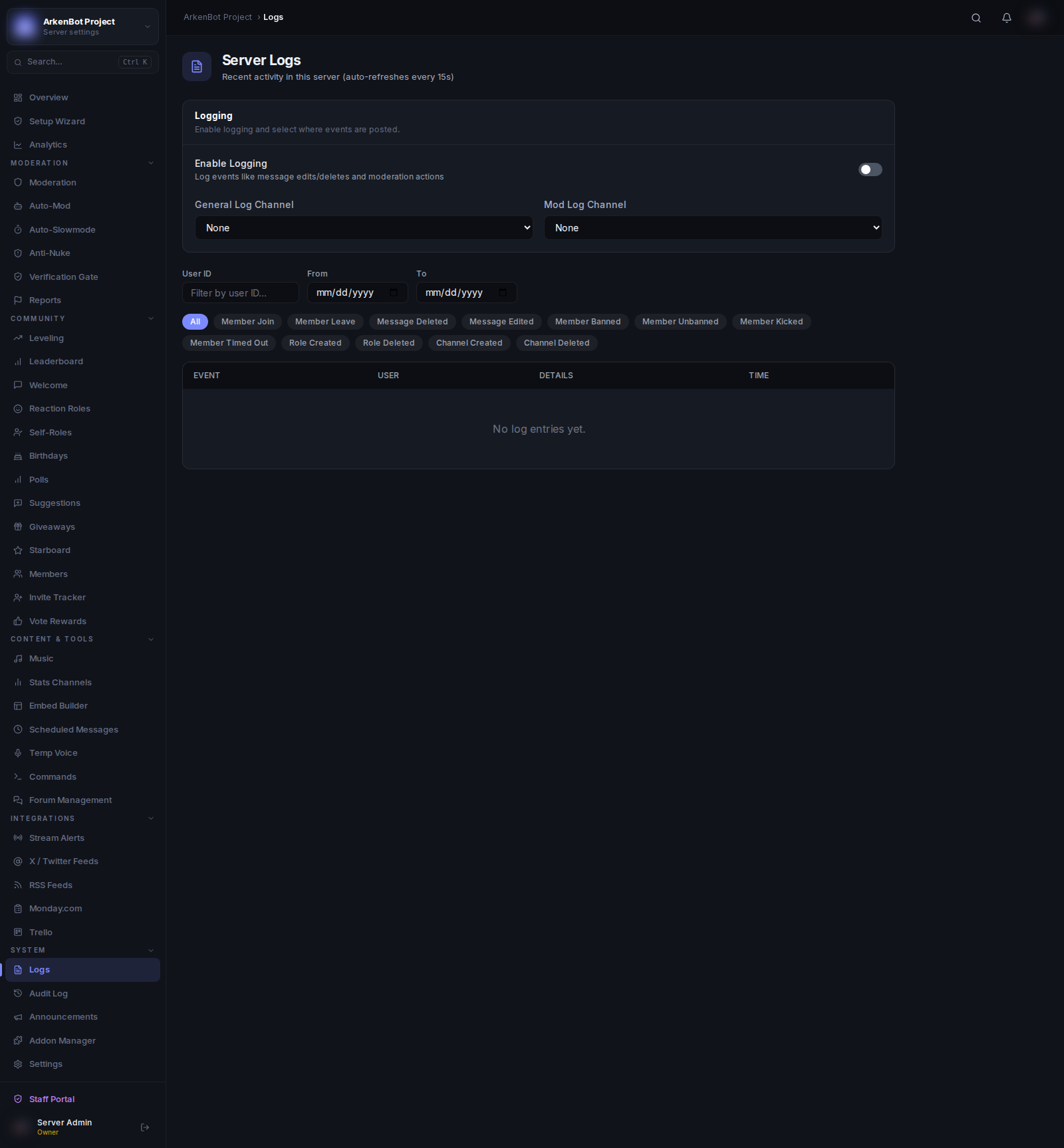
Setup
- Go to Settings and enable Logging
- Go to Logs in the sidebar
- Set your log channels
Log Channels
| Channel | What it Logs |
|---|---|
| Log Channel | Member joins/leaves, message edits, message deletes |
| Mod Log Channel | Bans, kicks, mutes, warns, unbans, case updates |
You can use the same channel for both, or separate them for cleaner organization.
What Gets Logged
Member Events
- Member joined the server
- Member left the server (includes how long they were a member)
Message Events
- Message edited (shows before and after content)
- Message deleted (shows original content and author)
Moderation Events
- Ban (manual and temp-ban)
- Kick
- Mute / Timeout
- Warn
- Unban
- Clear warnings
Each log entry includes the responsible moderator, the target user, the reason (if provided), and a timestamp.
Embed Colors
Log embeds use semantic colors by default:
- 🔴 Red — Bans, kicks
- 🟡 Yellow — Warns, mutes
- 🟢 Green — Unbans
- 🔵 Blue — General events
You can override this with a fixed color in Settings → Embed Accent Colors → Logs. Use the Reset button to restore semantic colors.
Dashboard Log Viewer
The Logs page in the dashboard provides a searchable, filterable view of all recorded log events. You can filter by event type, date range, and user.