Members
Search and view the members ArkenBot is tracking, along with their leveling progress.
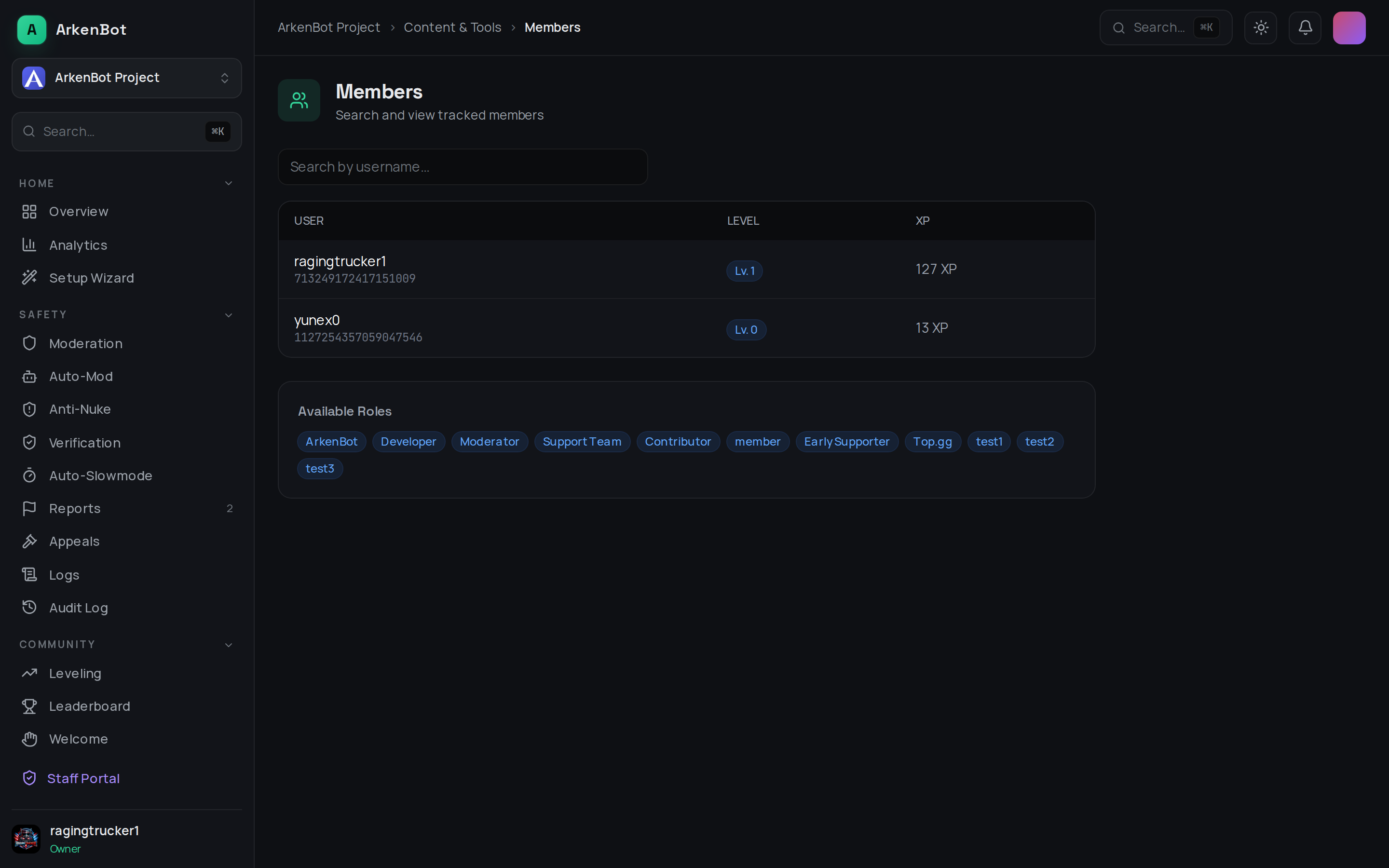
What it shows
Open Members in the dashboard sidebar to browse everyone the bot has tracked activity for. For each member you can see:
| Column | Description |
|---|---|
| User | The member's name and avatar |
| Level | Their current leveling level |
| XP | Total XP earned |
Use the search box to filter the list by username.
The page also lists the server's available roles for reference. Members appear here once they've been tracked (for example, after earning XP) — if leveling is brand new you may see "No members tracked yet."
Related
- Configure how members earn XP on the Leveling page.
- See the full XP ranking on the Leaderboard page.