Birthday Tracker
Automatically announce member birthdays and assign a special birthday role on their special day.
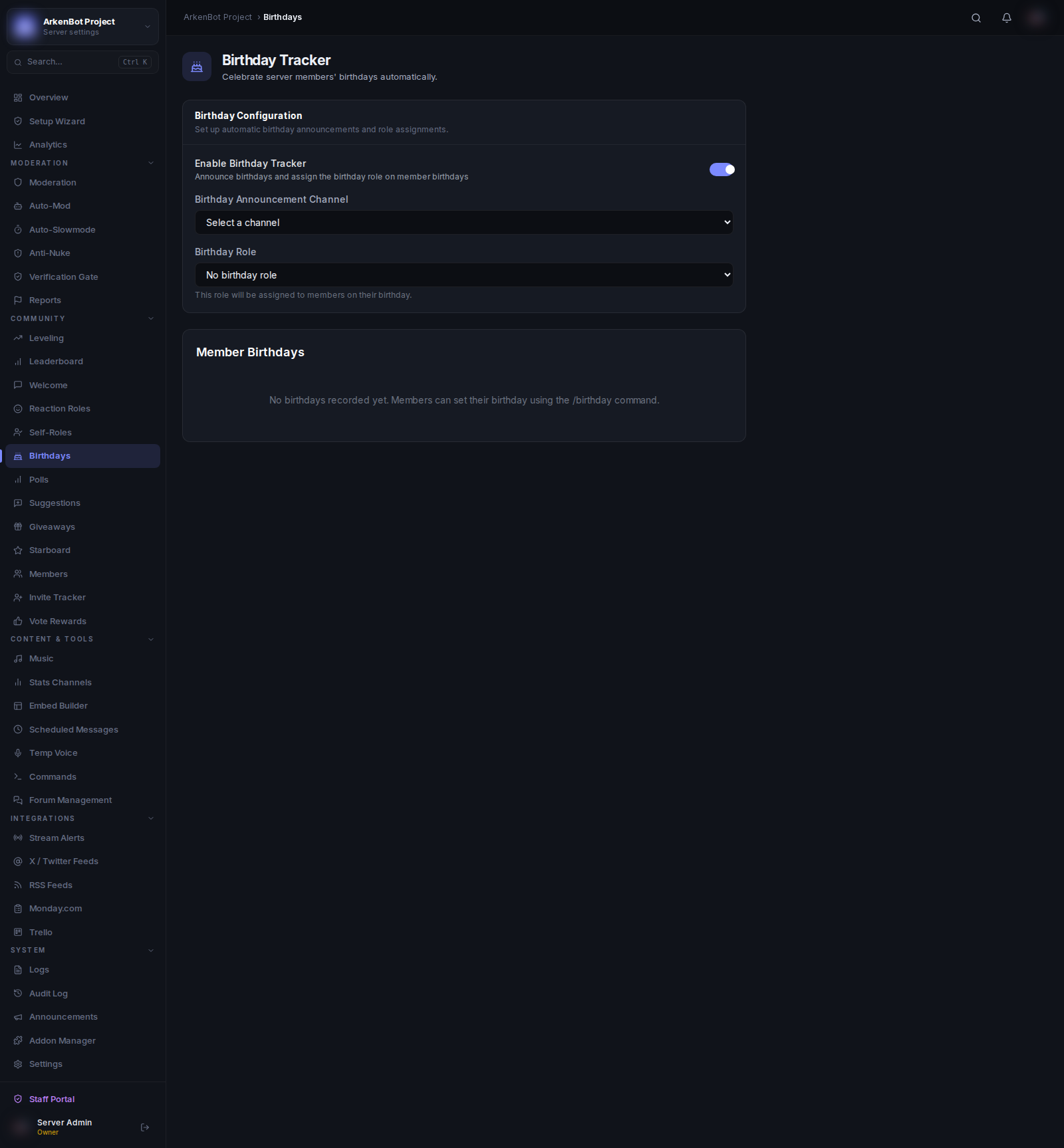
Setup
Go to Birthdays in the sidebar.
| Setting | Description |
|---|---|
| Enable Birthday Tracker | Turn birthday announcements on or off |
| Birthday Announcement Channel | Where birthday messages are posted |
| Birthday Role | Role assigned to the member on their birthday (optional) |
How Members Set Their Birthday
Members register their own birthday using the slash command:
/birthday set <month> <day>
They do not provide their birth year — only month and day are stored.
What Happens on a Birthday
- At midnight (server time), the bot checks for birthdays
- If a match is found, the bot posts a birthday announcement in the configured channel
- If a Birthday Role is configured, the bot assigns it to the member for the day
- The role is automatically removed the next day
Managing Birthdays
The Member Birthdays table in the dashboard shows all registered birthdays with the member's name, month, and day. Administrators can remove a birthday entry by clicking the trash icon.
Notes
- The Birthday Role must be below the bot's highest role in the server hierarchy to be assignable.
- Members can update their birthday at any time by running
/birthday setagain. - Members can remove their own birthday with
/birthday remove.