General Settings
The Settings page is the central configuration hub for your server. Access it from the sidebar under your server name.
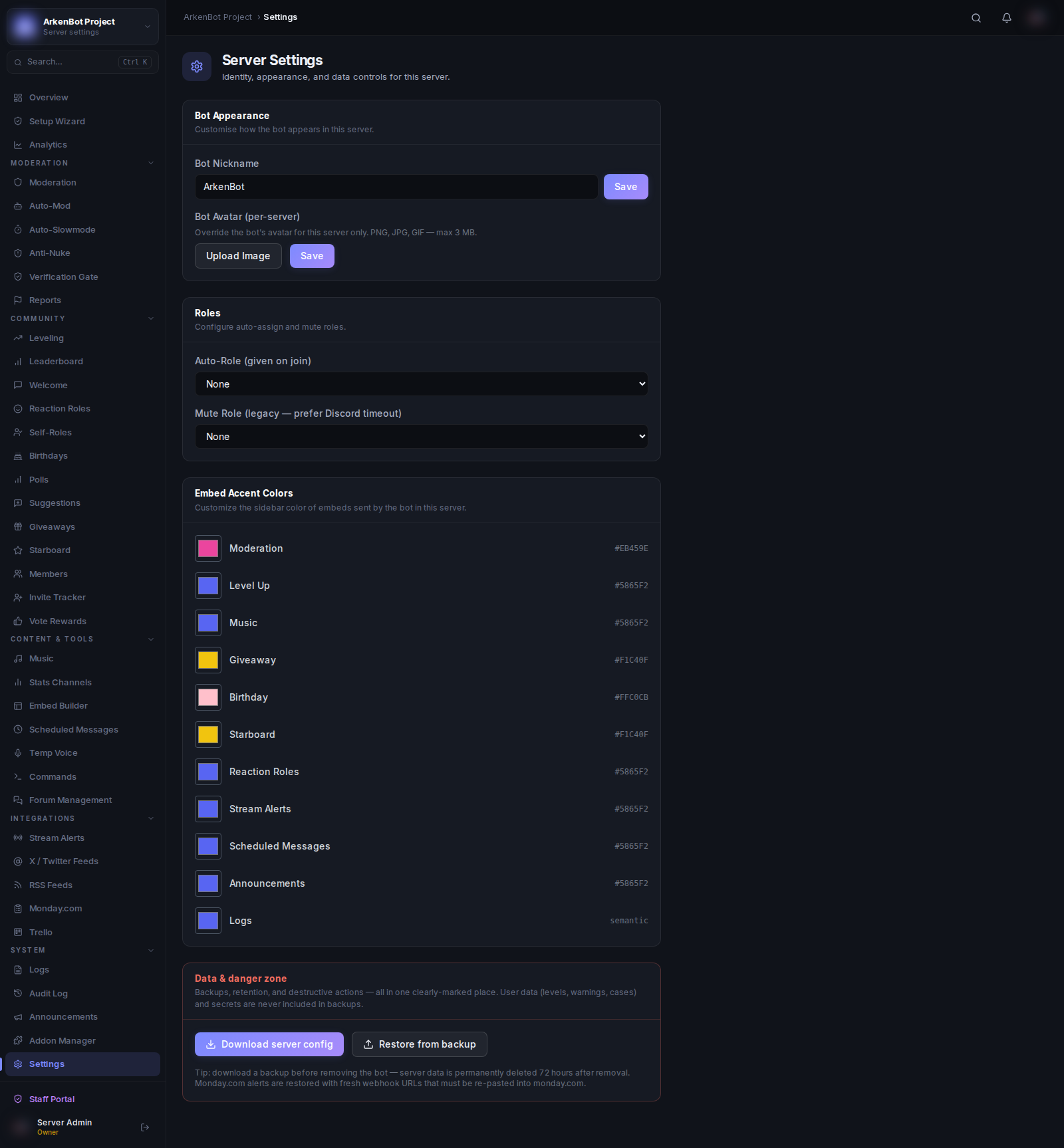
Bot Appearance
| Setting | Description |
|---|---|
| Bot Nickname | Override the bot's display name in this server (max 32 characters). Leave blank to use the default bot name. |
| Bot Avatar | Upload a per-server avatar for the bot (PNG, JPG, GIF, or WebP — max 3 MB). Overrides the bot's global avatar in this server only. Click Remove to revert to the default. |
Roles
| Setting | Description |
|---|---|
| Auto-Role | This role is automatically assigned to every member when they join. Useful for a "Member" or "Verified" role. |
| Mute Role | A legacy role-based mute. Discord's built-in timeout is preferred — only configure this if you have a specific need. |
Embed Accent Colors
Every type of embed the bot sends has a configurable accent color (the colored bar on the left side of Discord embeds). You can set a unique color for each type:
| Color Setting | Affects |
|---|---|
| Moderation | Ban, kick, mute, warn, case embeds |
| Level Up | Level-up notification embeds |
| Music | Now Playing embeds |
| Giveaway | Giveaway start and end embeds |
| Birthday | Birthday announcement embeds |
| Starboard | Starboard post embeds |
| Reaction Roles | Reaction role panel embeds |
| Stream Alerts | Go-live notification embeds |
| Scheduled Messages | Scheduled announcement embeds |
| Announcements | Bot announcement embeds |
| Logs | Audit log embeds. Set to semantic (empty) to keep automatic colors (red for bans, yellow for warns, etc.) |
Tip: The Logs color has a Reset button to restore semantic colors. All other colors default to Discord Blurple (
#5865F2).